Benutzer (Schema) löschen
SQL-Befehl
DROP USER JIRA CASCADE;SQL-Befehl
DROP TABLESPACE JIRA;Die jira.dbf auf secg2379.lej.eis.network manuell löschen
rm /srv/oracle-db-12c-data/exxdb1/jira.dbfDanach Prozedur ab der Überschrift komplett neu beginnen
Oracle DROP USER command syntax
The basic syntax to drop a user in Oracle looks like this:
DROP USER username;The DROP USER command in Oracle will work for a user that owns no database objects and is not currently connected. Later in this article, we will figure out how to delete a user in Oracle despite these factors.
DROP USER CASCADE in Oracle
The next thing we are going to discuss is the DROP USER CASCADE command. In case an Oracle user owns any database objects, this syntax is the only way to drop it. The CASCADE clause will help you make sure everything, including contents and datafiles, is deleted along with the owner shema.
For a better understanding of the DROP USER practical usage, take a look at the basic syntax of the command:
DROP USER username CASCADE;In this syntax, it is important to specify the name of the user to be deleted after the DROP USER keywords. To ensure that all the objects are dropped, add CASCADE before executing the command.
There is another important thing to remember. You might encounter a situation where some of the objects in the database refer to the schema objects owned by the user we are going to drop. In such a scenario, these objects will be removed along with the dropped user even if they belong to a different schema.
However, if we are talking about the materialized views in other schemas that refer to the table in a dropped one, the scenario will not be the same. These views will not be removed but you will not be able to refresh them as the table does not exist anymore. The roles created by the dropped user will remain intact after the deletion.
Note: You cannot delete the user with a schema containing a table that uses a flashback data archive. You should disable the flashback data archive first.
ORACLE DROP USER examples
In this chapter, we suggest diving into the practical side of the matter by looking into some examples of how to delete a user with the help of the DROP USER statement. There is a substantial difference in approaches to dropping a user that owns some objects and a user that owns none. Thus, we will take this difference into consideration. Moreover, we will go over the scenario when we need to drop a user that is currently connected.
DROP USER including contents with CASCADE
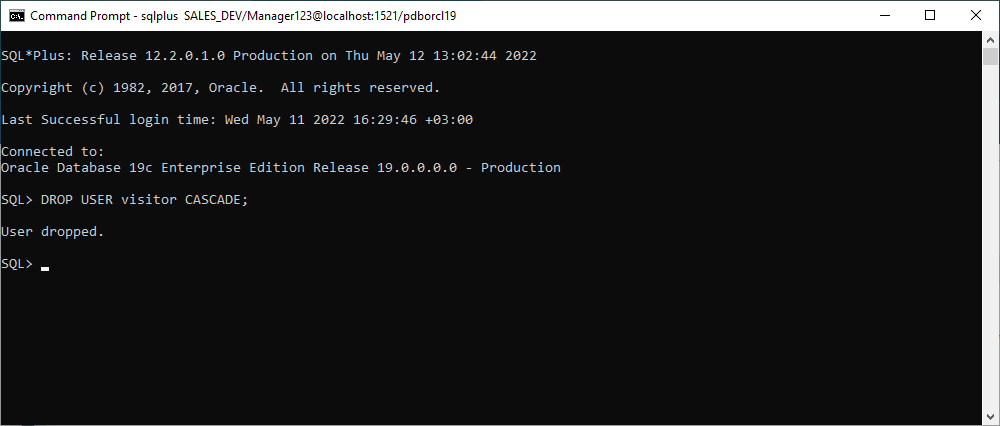
As mentioned earlier, an Oracle user that owns any kind of objects can be dropped with the help of the CASCADE placed after the DROP USER keywords. For example, let us assume we have the visitor user that owns a couple of tables and we are going to delete it with all its belongings:
DROP USER visitor CASCADE;As a result, the visitor user and all the related objects will be deleted.
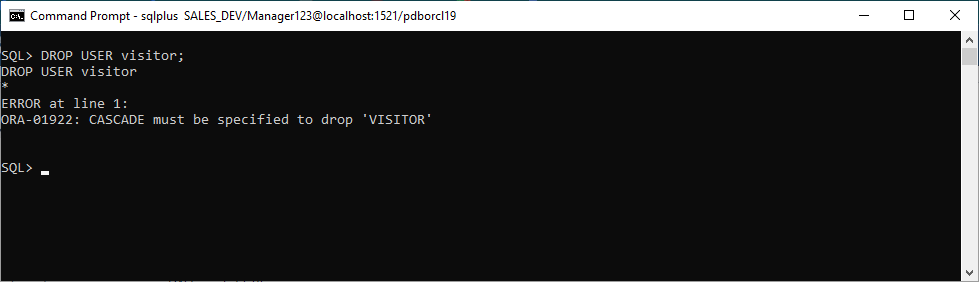
Note: If you use DROP USER as is in this case, you are going to get the following error: ORA-01922: CASCADE must be specified to drop ‘VISITOR’.
Forcefully drop connected user in Oracle
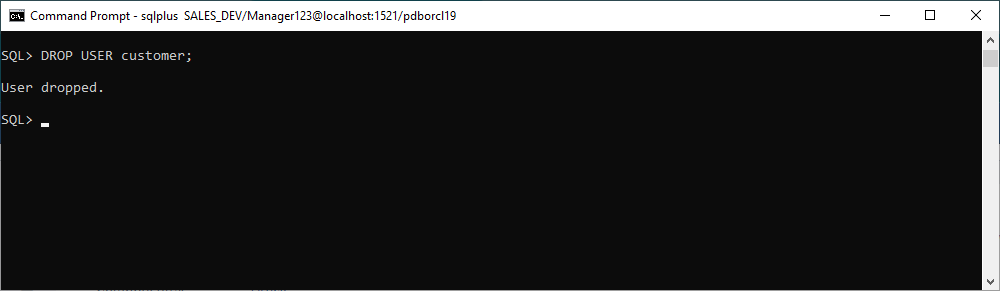
Let us imagine that we are working with another customer user that is currently connected. Let us try to drop this user by executing the DROP USER syntax. Assuming that it does not contain any objects, we will not be using the CASCADE clause:
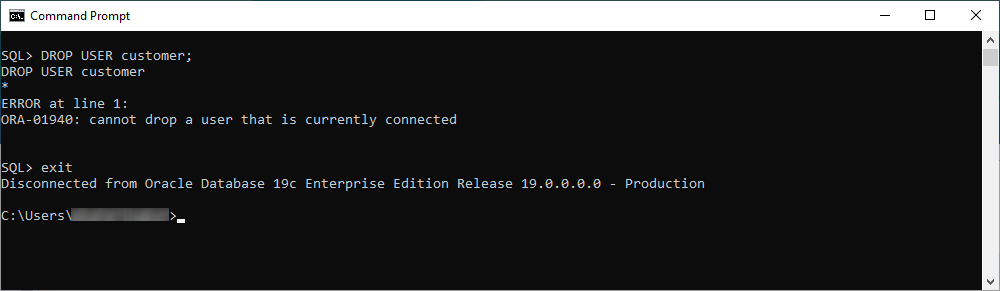
DROP USER customer;Now we see, that Oracle does not allow us to delete a connected user and displays an error message: ORA-01940: cannot drop a user that is currently connected. To overcome the obstacle that has come in our way, we will use the exit command:
Once done, we can go ahead and execute DROP USER once again. However, with a little more luck this time: